Sleek, powerful and painless.
Neutrality is built for those seeking a simple, yet powerful cheat solution. Bundled with our scripting API and plugin store, you will never lack a feature.
Access is granted by individual review.
Highlights
Indistinguishable aim assistance
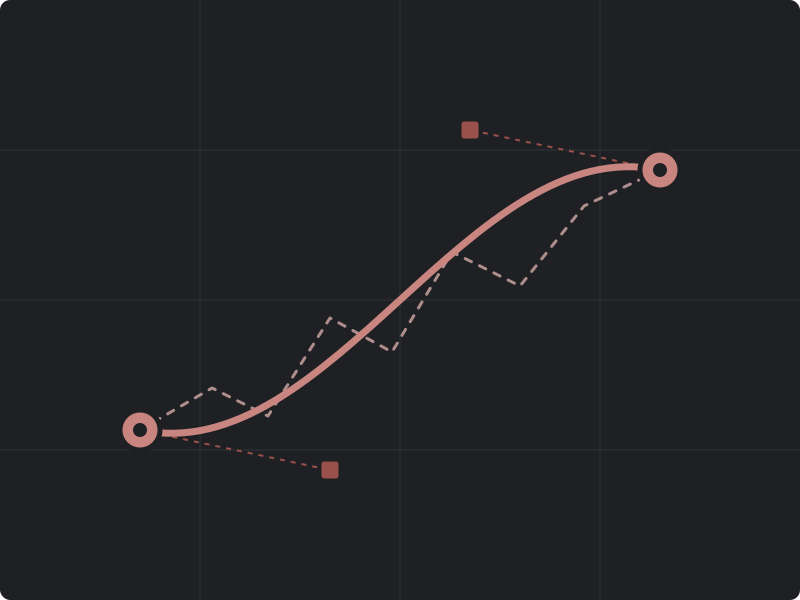
Built to calibrate and adapt to your playstyle, the aim assist offers a zero click setup option that collects then properly configures the cheat to maximize its usefulness.
A truly personalized experience
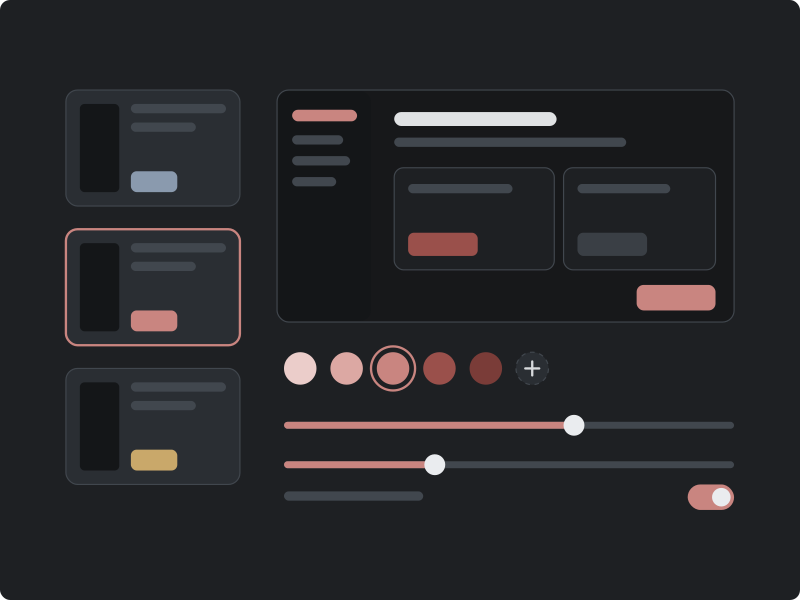
All visuals are customizable to the finest details, either pick from our preset themes or get specific and make your own to make your experience pleasurable.
Neutrality Plugins
Missing a feature? Check out our community-run plugin store. Didn't find what you were looking for? Open our beginner guide and documentation and get up and running in no time.
Scripting is done in a slim version of Python alongside our plugin SDK. To see more, read our documentation.
from neutrality import plugin, events

@plugin.on(events.ImageLoad)
def flag_unsigned(ev, ctx):
    if ev.image.signed:
        return

    ctx.tag(ev, "unsigned-driver")
    ctx.note(ev, f"{ev.image.path} loaded by {ev.process.name}")

    if ev.image.kernel_mode:
        ctx.case.open(
            title="Unsigned kernel module",
            severity="high",
            pivot=ev.process.pid,
        )
Operation modes
Neutrality supports a headless, fully screenshare-proof mode through our kernel renderer. For those who don't need it, we still support a traditional client-side menu.
Headless mode
Events are forwarded directly to your cloud dashboard, where they can be reviewed and scripted exactly as they are in the client.
Client GUI
Everything headless mode provides, together with local profiles and local plugins, which require the client to execute.
Frequently asked questions
Are plugins supported?
Yes. Plugins operate against the same event schema as the workspace, so parsers, enrichment steps and custom views are all implemented against documented interfaces.
Which platforms are supported?
The collector currently supports Windows on x64 Intel only. Other platforms and architectures are not yet supported.
How do cloud profiles work?
A cloud profile defines the event store, retention window and access rules for a group of hosts. A collector directed at a profile forwards its events to that profile. All other behaviour is unchanged.
Is external hardware supported?
A defined set of devices is supported. The current list is maintained in the public documentation to ensure it stays accurate.
How is access granted?
Access is granted by individual review. Submit a request describing your intended use; every request receives a response.
Request access
Submit a short description of your use case and the hosts you intend to instrument. Each request is reviewed individually, typically within one week.